
To configure and manage FastNetMon Advanced, you can use the official web user interface FastNetMon LiveView (chargeable per user, as an addon). LiveView is available for free during trial period
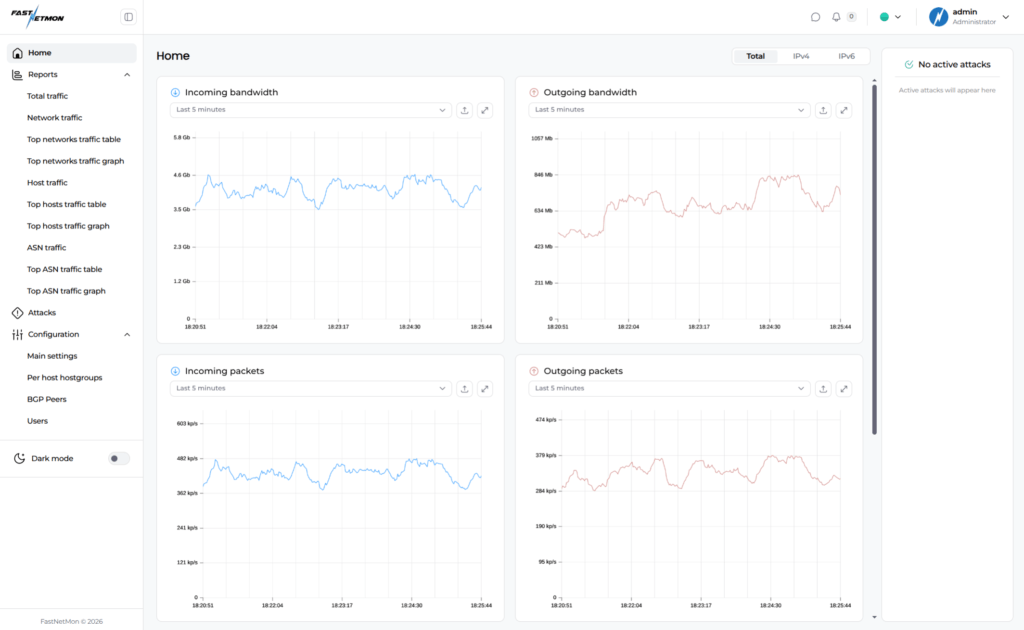
To use LiveView, please ensure that you run at least FastNetMon Advanced 2.0.378, and that your FastNetMon installation use MongoDB and Clickhouse. FerretDB and InfluxDB are not supported by LiveView.
FastNetMon LiveView can be enabled this way on http port 80 (not encrypted):
sudo fcli set main web_api_port 80
sudo fcli set main web_api_host 0.0.0.0
Then you need to switch to API v2, which is required for LiveView. Please note that it will break all existing API clients as it changes the URL for API endpoint to /api/v2:
sudo fcli set main web_api_v2 true
sudo fcli set main mongo_store_attack_information true
Then you need to create an admin user in the following way:
sudo fcli set user admin
sudo fcli set user admin password <secure_password>
sudo fcli set user admin role administrator
And finally apply changes and start LiveView:
sudo fcli commit
sudo systemctl restart fastnetmon_web_api.service
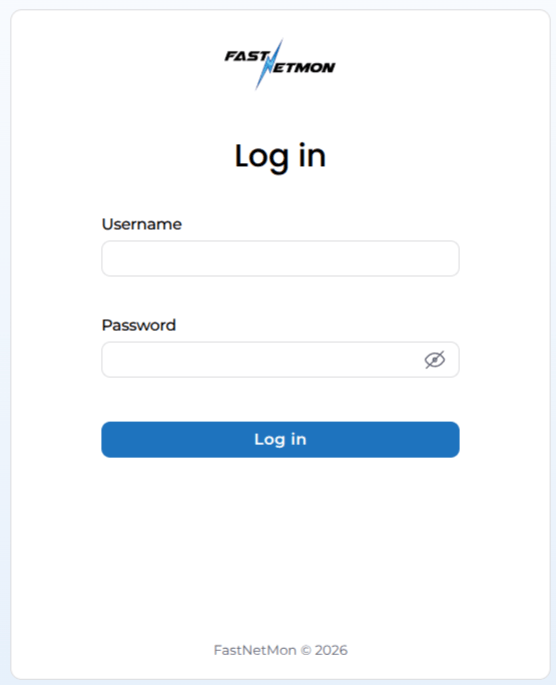
After that, you will be able to log in to LiveView on port 80 of your VM: http://a.b.c.d:80
For more detailed information about LiveView configuration, please refer to the official API page